





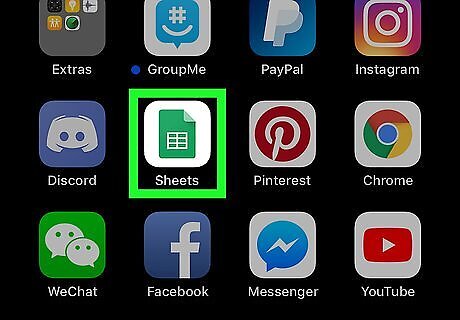
Open Google Sheets. It's the app that has an icon of a green sheet of paper with a table on it. Download the Google Sheets app from the App Store and sign in with your Google account if you haven't done so already.
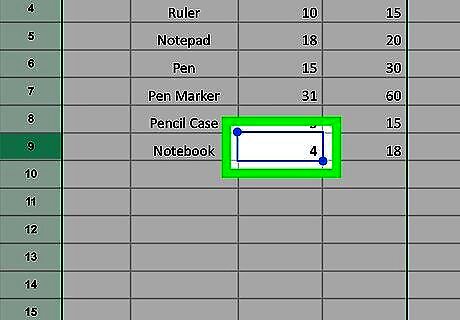
Tap the first cell you want to merge. Tap the cell you want to merge and a blue highlight will appear around the cell.
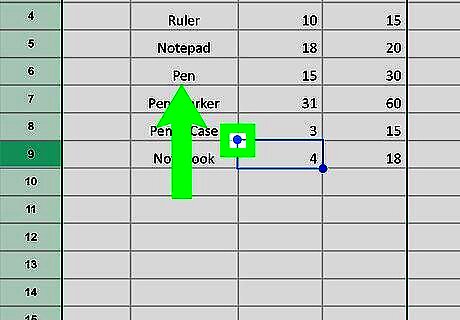
Drag the blue dots (handles) to select the other cell you want to merge it with. Tap and hold on one of the blue dots around the cell and drag it expand the selection. Once you've selected all the cells you want to merge, you can let go.
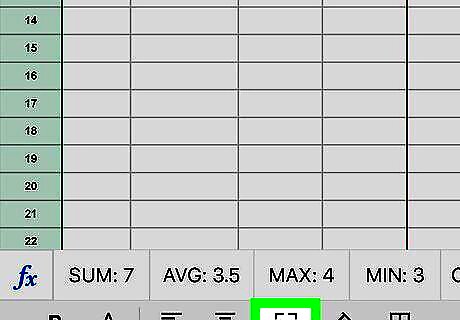
Tap the "merge" button. It's the button that looks like a square with two arrows pointing inward. On iPhone, it's at the bottom of the screen and on iPad, it's at the top of the screen. This will merge all the cells you have selected. Select the merged cell and tap the "merge" button again to unmerge the cell.











Comments
0 comment